
n8n Error Monitoring: How to Monitor Multiple n8n Instances and Catch Every Failure
A practical n8n error monitoring setup: node retries, Error Trigger workflows, the executions API and silence alerts to monitor multiple n8n instances.
By Kishan Makani, Founder & CEO
Updated · Published · 9 min read
Short answer
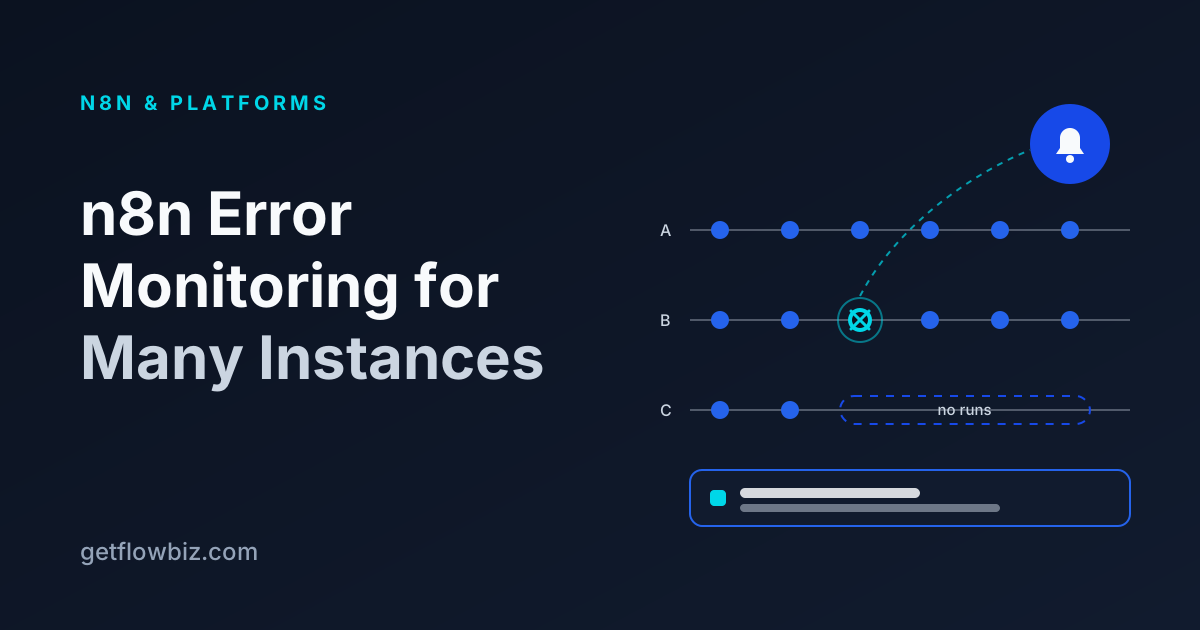
Reliable n8n error monitoring uses four layers: node-level retries for transient errors, an Error Trigger workflow for instant failure alerts, a poller on the n8n executions API as a backstop, and silence detection for workflows that stop running. To monitor multiple n8n instances, run the poller centrally with one scoped API key per instance and route alerts per client.
Key takeaways
- Retry On Fail handles flaky APIs; it is not monitoring, it is the first line of defence.
- An Error Trigger workflow gives real-time alerts, but only fires for automatic runs and only if the error workflow is published.
- Polling the executions API catches what the Error Trigger misses and works across many instances from one place.
- Silence detection matters most: a workflow that stops triggering throws no error at all.
- Alert on what a person should act on, deduplicate, and send it to the person who owns that client.
Every n8n instance eventually has a bad night. An OAuth token expires, a CRM changes a field, a rate limit kicks in, or a webhook source quietly stops sending. If you run n8n for one company, you find out on Monday. If you run it for twenty clients across several instances, you find out when a client emails asking why leads stopped arriving.
This guide is the n8n error monitoring setup I recommend to agencies, built from n8n's own features first and then extended for many instances. Each layer covers a gap the others leave.
What can go wrong in n8n, and which layer catches it?
It helps to separate failures by how they show up, because each needs a different detector.
| Failure | Example | Caught by |
|---|---|---|
| Transient error | API timeout, 429, brief network drop | Node Retry On Fail |
| Hard error in a run | Invalid field, expired credential, bad data | Error Trigger workflow, executions API |
| Trigger node error | Polling trigger cannot authenticate | Error Trigger (with a trigger object), executions API |
| Workflow never runs | Webhook source stopped, workflow deactivated, schedule edited | Silence detection only |
| Instance down | Server crashed, n8n Cloud outage, DNS issue | External poller (connection error) |
| Wrong but successful | Run succeeds with empty data | Business checks, such as Stop and Error on zero items |
Notice the last three rows. An error workflow lives inside the instance, so it cannot tell you the instance is down or that nothing happened. That is why the external layers exist.
Layer 1: Retry transient errors at the node
In any node's settings you can turn on Retry On Fail and set how many tries and how long to wait between them. Use it on nodes that call external APIs. Most 429s and timeouts clear on the second or third attempt, and retrying them is better than alerting on them.
The same settings panel has an On Error option. The default stops the workflow. Continue (using error output) routes the failed item down a separate branch, which is useful when one bad record should not block a batch of 500. Be careful with plain Continue: it hides errors from every layer below, so only use it where a failure truly does not matter.
Layer 2: How do you set up an n8n Error Trigger workflow?
n8n's built-in error workflow is the fastest way to hear about a failure. You create one workflow that starts with the Error Trigger node, then point other workflows at it in their Workflow Settings. One error workflow can serve every workflow on the instance.
- Create a new workflow and add the Error Trigger node as its trigger.
- Add the alert step: Slack, email, or an HTTP Request node that POSTs to your monitoring tool.
- Format a short message: workflow name, the last node executed, the error message and a link to the execution.
- Publish the error workflow. n8n's docs note the workflow containing the Error Trigger must be published.
- Open each production workflow, go to Workflow Settings, and select this workflow as its error workflow.
- Test with a real automatic run. The Error Trigger does not fire when you run a workflow manually in the editor; a Stop and Error node on a scheduled test workflow is a simple way to force one.
The Error Trigger receives the failed execution's id, url, error (message and stack), lastNodeExecuted, mode and, for retries, retryOf, plus the workflow's id and name. A trimmed example of the shape:
{
  "execution": {
    "id": "231",
    "url": "https://n8n.example.com/execution/231",
    "error": { "message": "Example error message", "stack": "..." },
    "lastNodeExecuted": "HubSpot",
    "mode": "trigger"
  },
  "workflow": { "id": "12", "name": "New lead follow-up" }
}
Two details trip people up. First, execution.id and execution.url are only present if the execution was saved, so keep saving failed production executions turned on in Workflow Settings. Second, if the failure is in the trigger node itself, the payload carries less execution data and a trigger object with the error instead. Make your alert template handle both.
Layer 3: Poll the n8n executions API as a backstop
The Error Trigger only works if it is attached to every workflow and the error workflow itself is healthy. Someone always forgets to set it on a new workflow. A poller that reads the n8n public API closes that gap, and it is the foundation for monitoring multiple n8n instances because it runs outside them.
Create an API key per instance under Settings, then n8n API. The key goes in the X-N8N-API-KEY header, and on n8n 2.14.0 and later you can restrict its scopes on any plan, so a monitoring key only needs to read workflows and executions. The API is available on self-hosted n8n and on paid Cloud plans, not on the Cloud free trial.
# Newest failed executions on one instance (cursor-paginated, max 250 per page)
curl -s "https://client-a.example.com/api/v1/executions?status=error&limit=100" \
  -H "accept: application/json" \
  -H "X-N8N-API-KEY: $CLIENT_A_KEY"

# Full detail for one execution, including the error and failing node
curl -s "https://client-a.example.com/api/v1/executions/231?includeData=true" \
  -H "X-N8N-API-KEY: $CLIENT_A_KEY"
A practical poller does five things on each cycle for each instance:
- Fetch executions newer than the last cursor or timestamp, following
nextCursoruntil it reaches runs it has already seen (pagination docs). - Store each run with its instance, workflow and status, deduplicating by execution ID.
- For new failures, fetch detail with
includeData=trueto get the error message and failing node. Cap how many you enrich per cycle; full execution data can be large. - Back off on
429responses and record a connection error if the instance does not answer at all. - Evaluate alert rules and send only new incidents, not one message per failed run.
Keep the polling interval proportional to how fast someone would act. For most client workflows every few minutes is plenty, with the Error Trigger providing the instant path.
Layer 4: Detect silence, not just errors
Some of the most costly n8n failures are not errors at all. A form provider changes its webhook URL, a client's team stops using the tag that triggers a workflow, or someone deactivates a workflow while debugging and forgets to turn it back on. No run means no failed run, so nothing fires.
Silence detection compares each workflow's last successful run against what you expect. A schedule-triggered workflow that runs hourly should alert after, say, three missed hours. An event-driven workflow needs a judgement call: a lead intake that normally runs 30 times a day should alert after a few quiet business hours, but probably not on a Sunday.
How do you monitor multiple n8n instances from one place?
Agencies usually end up with a mix: one shared instance for small clients, dedicated instances for larger or regulated ones, and perhaps a client-owned n8n Cloud workspace. The pattern that scales is the same regardless of the mix.
- One connection per instance, each with its own labelled, scoped API key, so revoking one never affects the others.
- A central store of runs across every instance, so you can see all failures in one list instead of opening ten editors.
- Every workflow mapped to a client, so an alert says which client is affected and who on your team owns it.
- Shared rules with per-workflow overrides: alert on any failure, on a failure rate above a threshold, on silence, and on connection errors.
- Error workflows that POST to the central system, so real-time alerts and polled runs land in the same place and dedupe against each other.
| Approach | Real time | Catches silence | Catches instance down | Multi-instance effort |
|---|---|---|---|---|
| Error Trigger to Slack/email | Yes | No | No | Set up per instance and per workflow |
| Custom poller on the executions API | Near real time | If you build it | Yes | One service, one key per instance |
| Uptime check on the instance URL | Yes | No | Yes | Low, but says nothing about workflows |
| Agency ops platform | Yes, with a webhook | Yes | Yes | Paste URL and key per instance |
How should you retry a failed n8n execution?
Once the cause is fixed, the failed runs still need to be replayed. In the editor you can open a failed execution and retry it with the current or the original workflow version. The public API exposes the same action as a POST to /api/v1/executions/{id}/retry, which is what lets a central tool offer a retry button across instances.
Before you replay anything, check what the run already did. If it failed at step six of eight, steps one to five may have sent emails or created records. Retrying from the start will repeat them unless those steps are idempotent. When in doubt, fix the data by hand and mark the incident resolved instead of replaying.
What should an n8n alert contain?
A good alert can be acted on from a phone without opening the editor. Include the client, the workflow's human name, the failing node, a one-line error, how many times it has failed in the current incident, and a direct link to the execution. Leave out raw payloads; they may contain personal data and they make alerts unreadable.
Route by ownership. The developer who built a client's workflows should get that client's alerts. Send a daily digest of low-priority failures instead of paging anyone for each one.
Doing this with GetFlowBiz
If you would rather not build and host the poller, GetFlowBiz does layers 3 and 4 for you. You connect each instance with its URL and API key through the n8n integration, and it syncs workflows and executions, enriches failures with the error message and failing node, and lets you retry executions and activate or deactivate workflows from one place.
Alert rules cover failed runs, failure rate, silence and connection errors, delivered in-app, by email or by signed outbound webhook. For real-time alerts, add an Error Trigger workflow that POSTs to the connection's webhook URL. The same setup works for Make, Zapier and the other integrations, so n8n is not a separate silo.
GetFlowBiz is free right now through our Founding Member program, and the first 100 accounts stay free forever. Sign up free and connect your first instance, or compare it with other agency tools first.
Frequently asked questions
How do I get alerts when an n8n workflow fails?
Create a workflow that starts with n8n's Error Trigger node and sends a Slack message, email or HTTP request, publish it, then select it as the error workflow in each production workflow's settings. It fires for automatic runs that fail, not for manual runs started in the editor.
Why is my n8n Error Trigger not firing?
The most common causes are testing with a manual run (the Error Trigger only fires for automatic executions), the error workflow not being published, or the failing workflow not having it selected in Workflow Settings. Also check that the failure is not being swallowed by a node set to Continue on error.
How do I monitor multiple n8n instances?
Run a monitor outside the instances that reads each one's executions through the n8n public API, using a separate scoped API key per instance. Store runs centrally, map workflows to clients, and add silence and connection-error alerts. Error Trigger workflows can POST to the same system for real-time alerts.
Can n8n detect when a workflow stops running?
Not on its own. An Error Trigger only fires when an execution fails, so a workflow that is never triggered produces no alert. Silence detection requires an external check that compares each workflow's last run with its expected schedule or volume and alerts when it has been quiet too long.
Does the n8n API work on n8n Cloud?
Yes, on paid n8n Cloud plans and on all self-hosted editions, according to n8n's documentation; it is not available during the Cloud free trial. Requests use an API key in the X-N8N-API-KEY header against your instance URL followed by /api/v1, with cursor-based pagination of up to 250 results per page.
Sources
Founder & CEO, GetFlowBiz
Kishan builds GetFlowBiz, the client portal and operations platform for automation and AI agencies. He writes about running, pricing and reporting on automation work. More from Kishan